Default Instrumentation
The inspectIT Ocelot Java agent already comes with an extensive default instrumentation, which collects traces and metrics for several technologies, like JDBC, Apache Client, HttpURLConnection or the Javax HTTP Servlet.
The default instrumentation can always be overwritten by your custom instrumentation. You can also turn off parts of the instrumentation by disabling the particular rules.
You can examine the default instrumentation in GitHub: inspectit-ocelot-default-instrumentation
You can find more detailed information about instrumentation in the section Instrumentation.
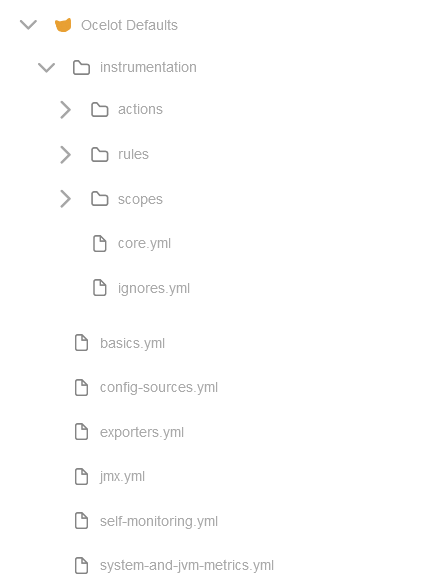
Furthermore, you can view the complete default configuration in GitHub or in the Configuration Server
Note, the default instrumentation does not always apply for more modern technologies, like Spring Boot 3 or Tomcat 10. As the agent was originally developed to support mainly Java 8 applications, you have to overwrite the default instrumentation to work again.
- View Upgrade to Jakarta Namespace to enable instrumentation for the Jakarta HTTP Servlet.
- View Upgrade to Apache Client 5 to enable instrumentation for the Apache Client 5.
The default configuration in the Configuration Server: